The card is a visual reference
Use the printed ruler for your own visual comparison. Print at 100% and check it against a physical ruler. The current software does not read the printed millimetres to set image scale.
 Paystreak AI
Know your scale
For field photos, Paystreak estimates scale from a detected pan circle and the selected pan-size profile. Choose the correct pan size and review the reported scale source. The printed card is a visual reference, not automatic calibration.
See how to take the photo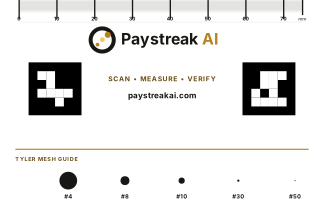
Use the printed ruler for your own visual comparison. Print at 100% and check it against a physical ruler. The current software does not read the printed millimetres to set image scale.
The current software does not detect the card’s black markers or use them to check tilt, blur, or camera distance. Keep the camera square to the pan and inspect the photo yourself.
Compare your gold with the printed circles for a quick visual check of how coarse or fine the sample is.
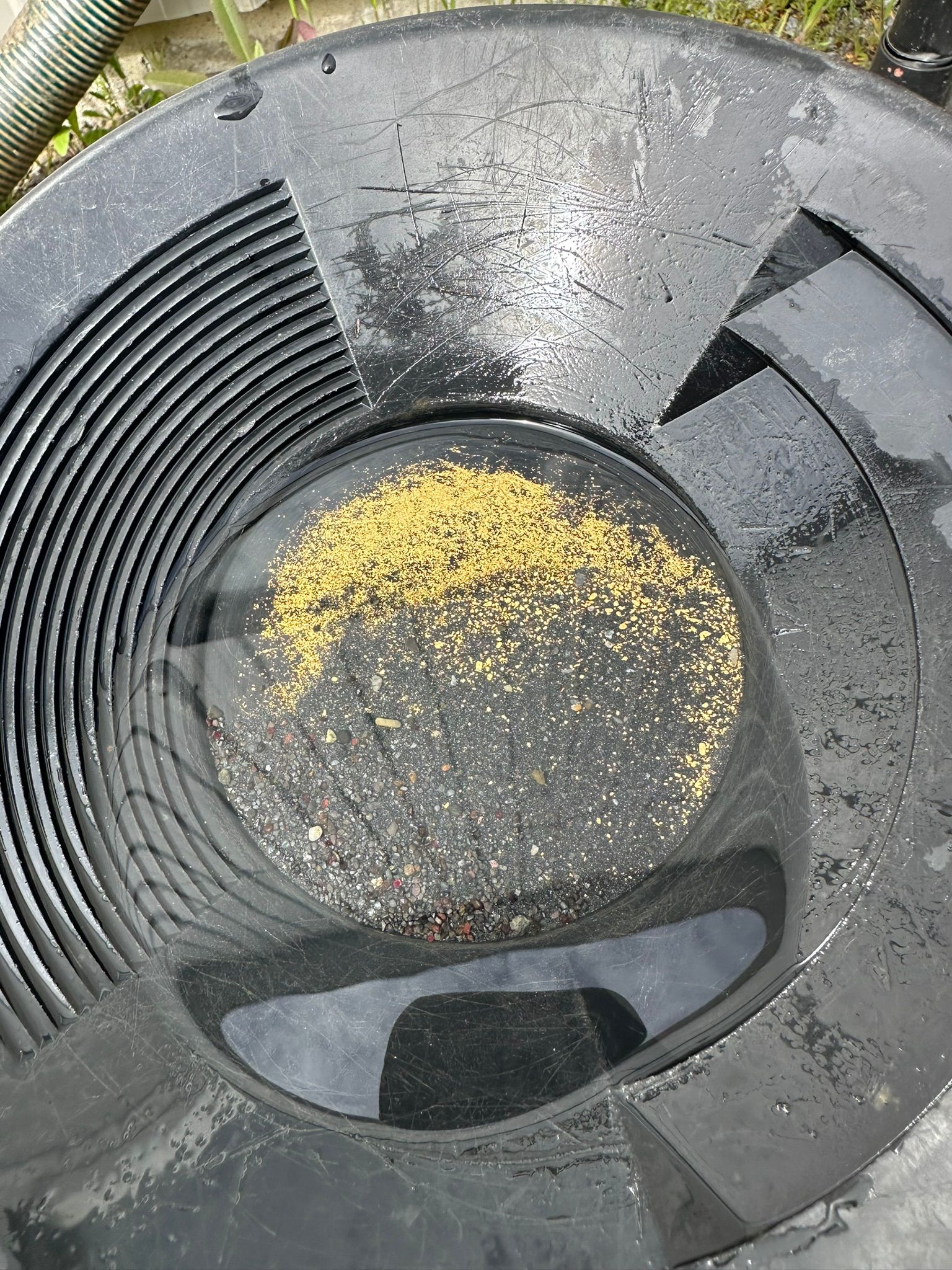
Capture protocol