One simple photo workflow. Two practical questions for the field.
01 / SAMPLE GRADES↗
What’s in this sample?
Estimate the weight and particle sizes of visible gold you recover. Use the simple sample calculator to turn gold weight and original sample weight into a recovered-gold grade.
Enter gold in milligrams and original material in kilograms. See your estimate in grams per tonne.
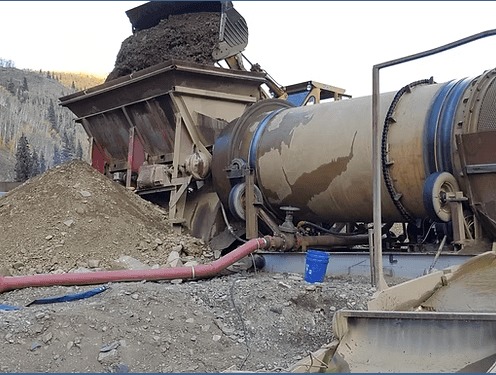
Recover gold from a weighed tailings sample. Add the sample weight and plant throughput to estimate gold loss per plant hour, then compare checks over time.
Use consistent sampling to make changes in estimated losses easier to interpret.
Paystreak estimates visible, recovered gold in a prepared sample. Results depend on recovery, photo quality, scale, particle shape, and your review.
It cannot measure gold you did not recover or cannot see. A laboratory assay is a different measurement—not something a photo replaces.
Before your first sample
Good questions. Straight answers.
Can a photo tell me the sample grade?
A photo estimates recovered gold weight, not grade by itself. Use the sample-page calculator with that gold weight and the original bulk sample weight in kilograms — not the concentrate weight. For example, 10 mg of gold from 20 kg of material is 0.5 g/tonne. The calculator estimates recovered-gold grade, not total contained gold, and its result is not saved. The tailings workflow separately calculates loss estimates from the inputs you enter.
What do I need to get started?
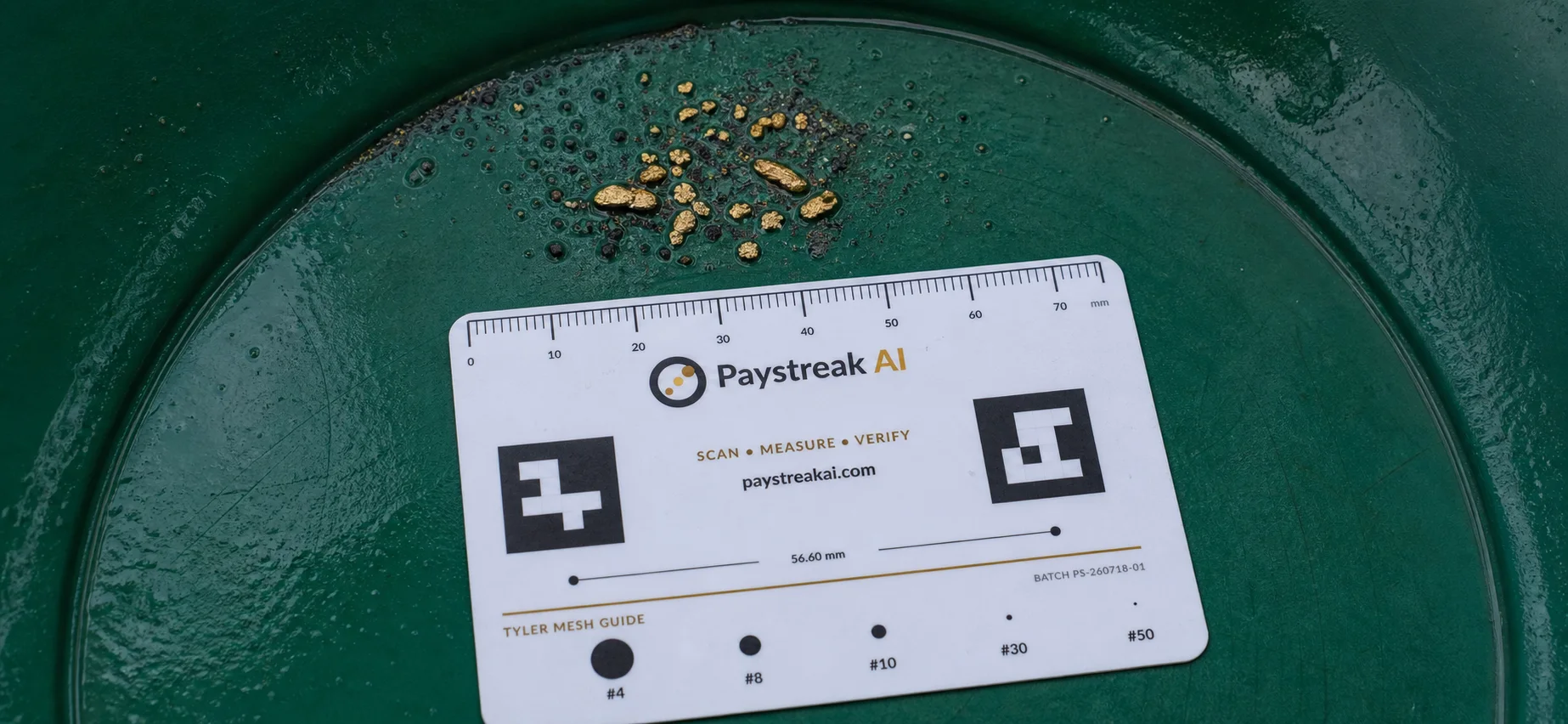
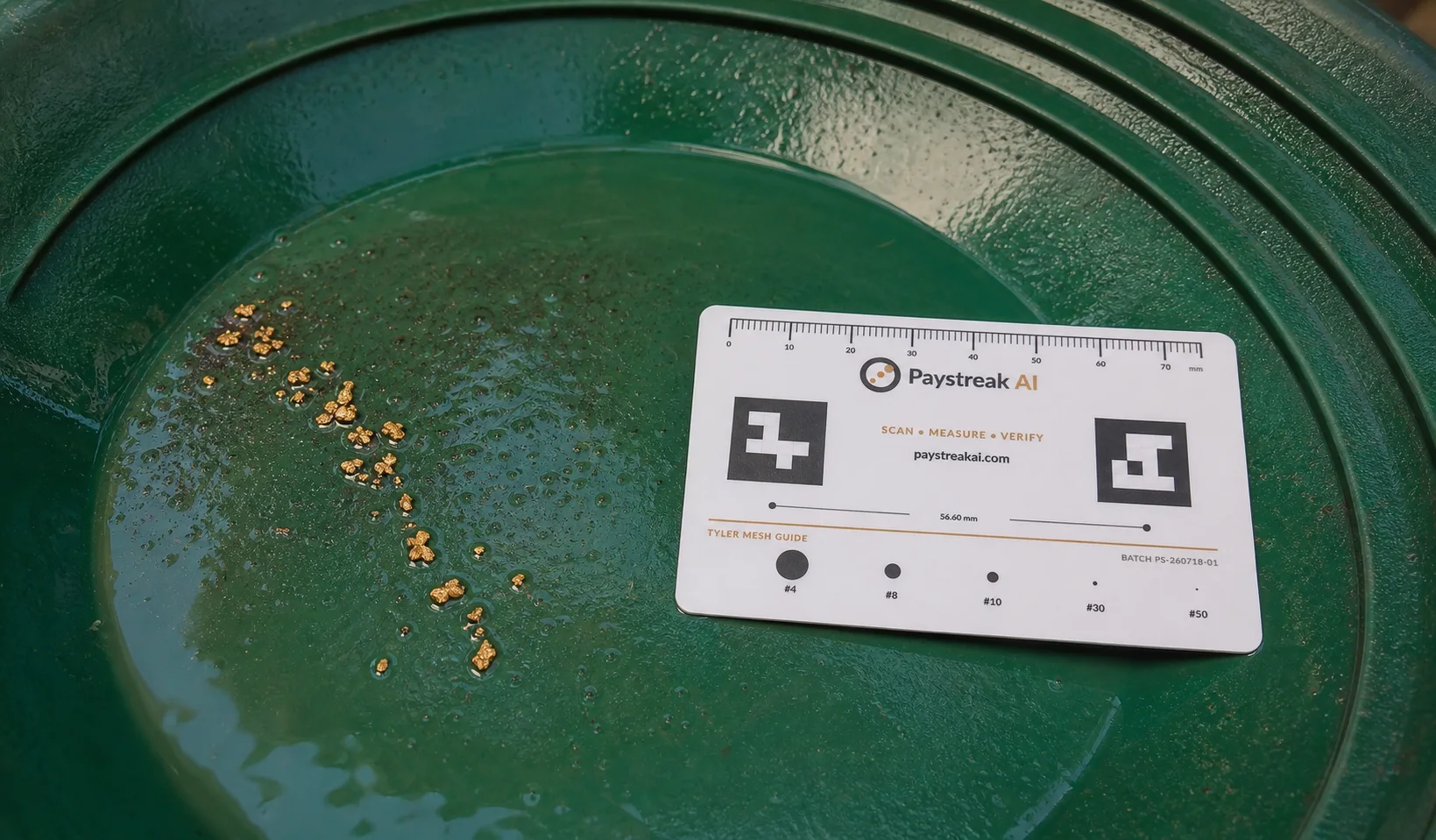
Cleaned, separated gold and a clear overhead photo of the full pan. Select the correct pan size and check the reported scale source. The card is a visual reference; the software does not detect its ruler or markers. A result marked fallback_uncalibrated has no calibrated scale. Follow the photo setup guide. Keep a record of your original bulk sample weight in kilograms to use the sample-grade calculator.
How are tailings losses estimated?
Enter the sampled tailings weight in kilograms and the plant rate in tonnes per hour. Paystreak combines these with the recovered gold weight to estimate grams lost per plant hour. You can upload a photo or manually enter gold you have already weighed.
Does this replace a fire assay?
No. Paystreak is for visible recovered placer gold. It does not measure unrecovered, microscopic, or chemically bound gold. Use appropriate laboratory testing when you need an assay.